Langvie / For teachers
See how your students' German grows between lessons.
Make a class, paste in your students' email addresses, and follow their vocabulary week by week. You see progress, and your students keep their words to themselves.
What you see
A teacher often finds out in the lesson itself that a student has not opened the vocabulary since last week. By then the lesson plan has already assumed the words.
A class in Langvie shows this before the lesson. For each student who joined, you see the words they know and the words they are learning. You also see how many they started this week, bars for each level from A1 to C2, and fourteen days of activity. A student who has gone quiet shows up as an empty stretch.
What you never see
You never see which words a student has, only the counts. That is deliberate, because a student who knows the teacher is reading their deck starts managing the deck instead of learning from it.
The invitation says what you will see before anybody accepts. A student can leave a class at any time, and your access ends the same day.
Setting one up
- Open Settings, then Classes, and make a class. Any account can do it.
- Paste in a register of email addresses. Each student gets an invitation.
- Students who join appear in the roster, and their numbers fill in as they study.
What to point your students at
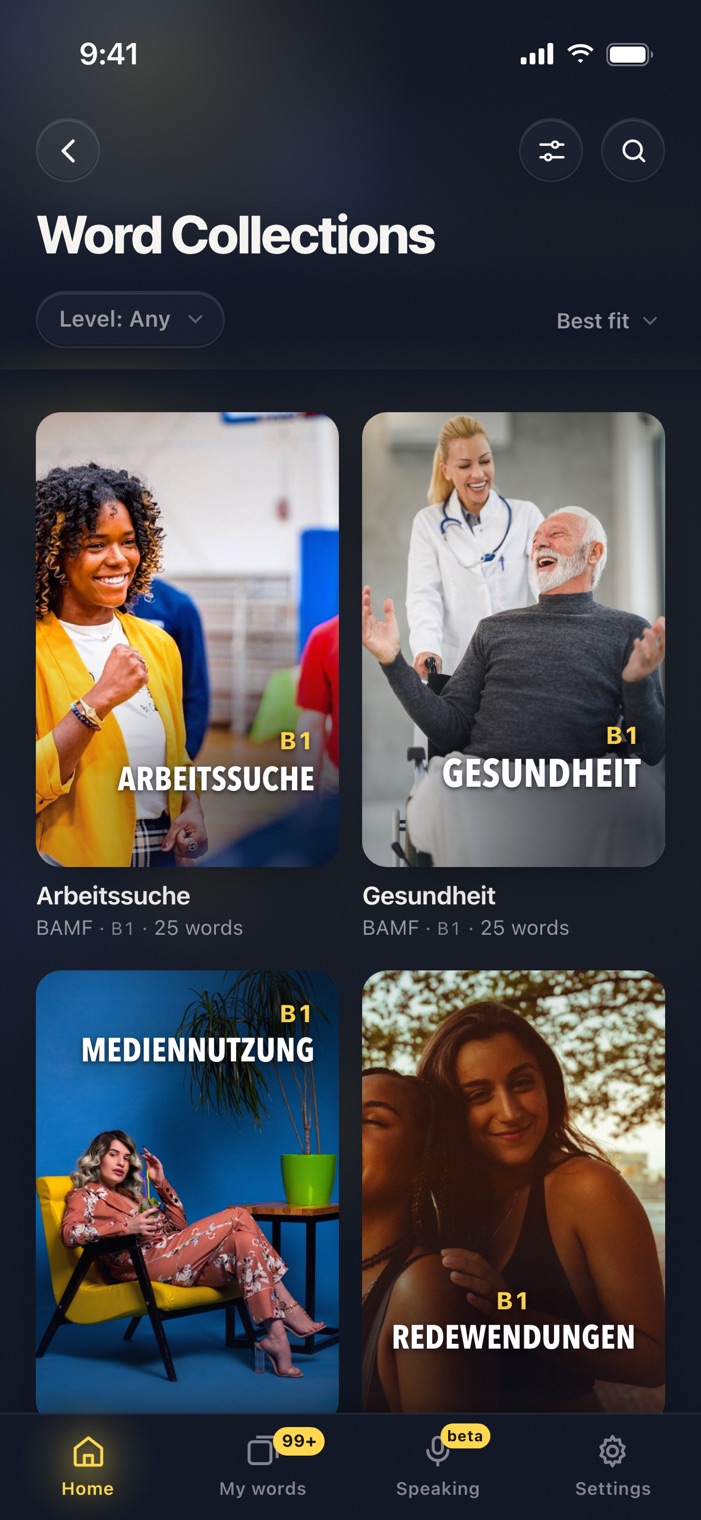
The Word Collections follow exam topics from A1 to C2. Integration courses can use the ÖIF and Deutsch-Test für Zuwanderer topics, and upper levels the ÖSD topics. The news desk gives the same story at several levels, which suits a mixed group reading one text. And the films give students something to do on a Friday evening that still counts.
Make your first class.
Classes are free. Sign in, open Settings, and invite your group.
Questions
Do my students need to pay?
No. Langvie is free to use, for teachers and students alike.
Can I assign a specific deck?
Not yet. You can tell your group which collection or film to open, and the class view shows whether their numbers move.